
First go to a project page (categories are unique to each project). From the project page click the project settings cog. From the projects settings page click the Categories link in the sidebar.


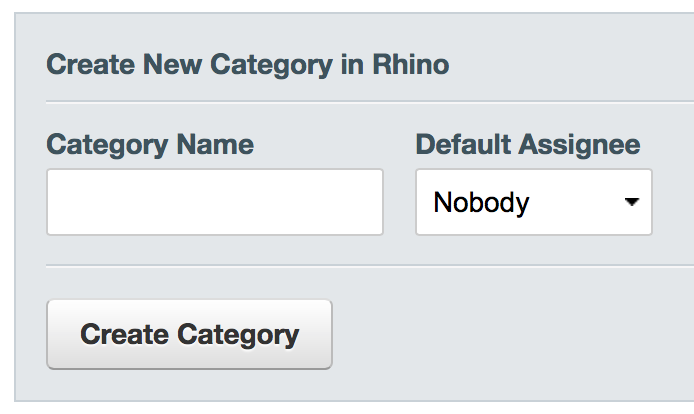
From this page you can add categories. The default assignee field automatically assigns issues with that category to a specific user.