
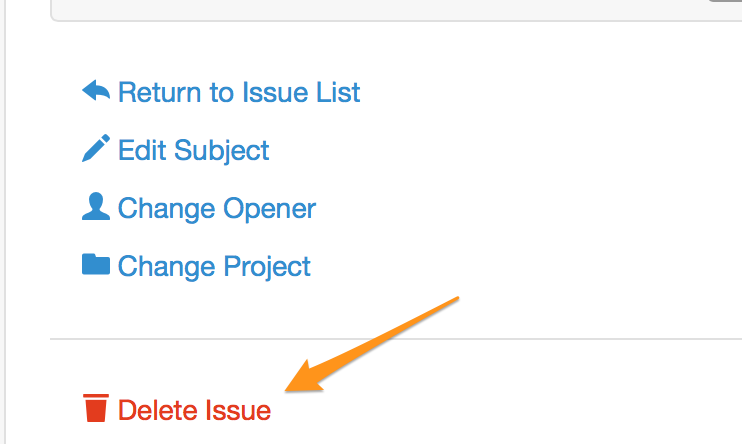
To delete an issue go to the issue viewing page for the issue you would like to delete. On the issue viewing page there is a link to "Delete Issue" at the very bottom of the sidebar, below the "Change Project" link.

What are you looking for?
Get help straight from our team...
Issues
Learn how to delete an issue.
Last updated on 23 Feb, 2021
To delete an issue go to the issue viewing page for the issue you would like to delete. On the issue viewing page there is a link to "Delete Issue" at the very bottom of the sidebar, below the "Change Project" link.